Becoming an official
Official is a neutral role for referees and umpires, separate from being a coach, captain, or admin. There’s no sign-up form for it in the app — an organization admin grants it to you directly, scoped to whichever sport(s) you’ll be working for their organization.
Who can do this
Section titled “Who can do this”Anyone an organization admin (or site admin) decides to grant the role to. You don’t apply or request it from inside League Sage — that conversation happens outside the app, and the grant itself is an admin action.
- An admin adds you on their organization’s Officials page and checks off which sport(s) you’re cleared to officiate — softball, kickball, cornhole, pickleball, volleyball, or soccer. You can hold the role for one sport and not another, and it only ever covers that one organization. If you don’t already have a League Sage account, the admin invites you by email; you’ll get a link to claim your account (set your password), and then the role becomes active.
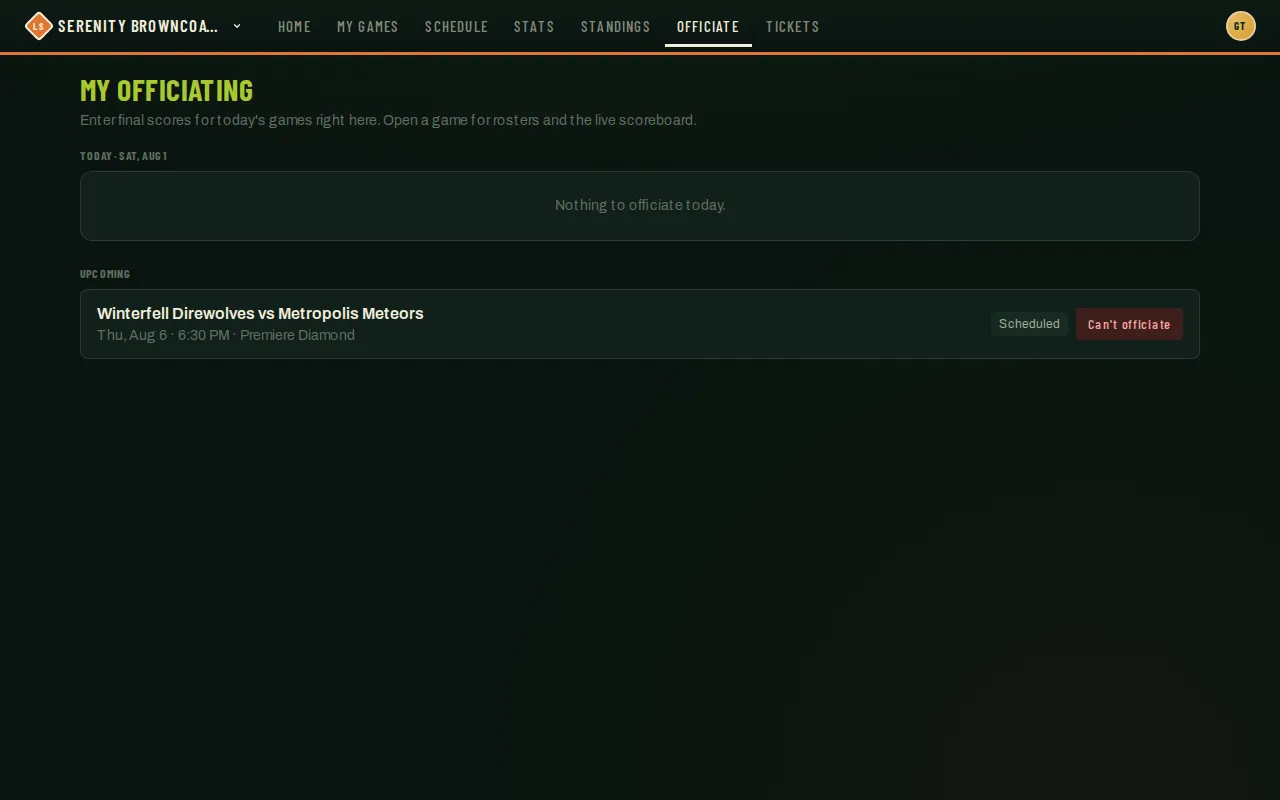
- Once claimed (or immediately if you already had an account), an Officiate link appears in your navigation the next time you’re active — that’s your officiating dashboard, separate from any team dashboard you might also have.
- From there an admin (or a league admin for that game’s league) assigns you to specific games. You don’t request individual games yourself unless one has been opened up for self-claim — see Claiming open games.
- If you’re also a player or coach on a team in the same organization, that’s fine — the two roles coexist. If you’re the one claiming an open game, the app won’t let you take one your own team is playing in. An admin assigning you directly is different — the app doesn’t stop that automatically, so if it happens, flag it to them. (They’ll see it called out as a scheduling conflict on their end, but the assignment itself isn’t blocked.)
Good to know
Section titled “Good to know”- Being an official doesn’t grant any admin access. You can’t touch teams, rosters, seasons, or anything under an organization’s admin pages — only the specific games you’re assigned to officiate.
- Your role and sport scope can be narrowed or revoked at any time by an admin, and it takes effect immediately — on your very next action, not after some delay.
- You can officiate for more than one organization if you work games in more than one League Sage league, each with its own separate grant.
- Not seeing the Officiate link but expecting to? Check with your organization admin — the role may not be granted yet, or may be scoped to a sport you don’t see games for.