Scores, finalization & standings
Both teams’ coaches report their own final score after a game. When the two reports agree, the game locks itself in automatically — no admin needed. When they don’t, or when one side never reports at all, that’s where you come in.
Who can do this
Section titled “Who can do this”Site admins and organization admins can review and override any game’s score. Coaches report their own team’s score from the game page — see Score a game live for that side of the flow.
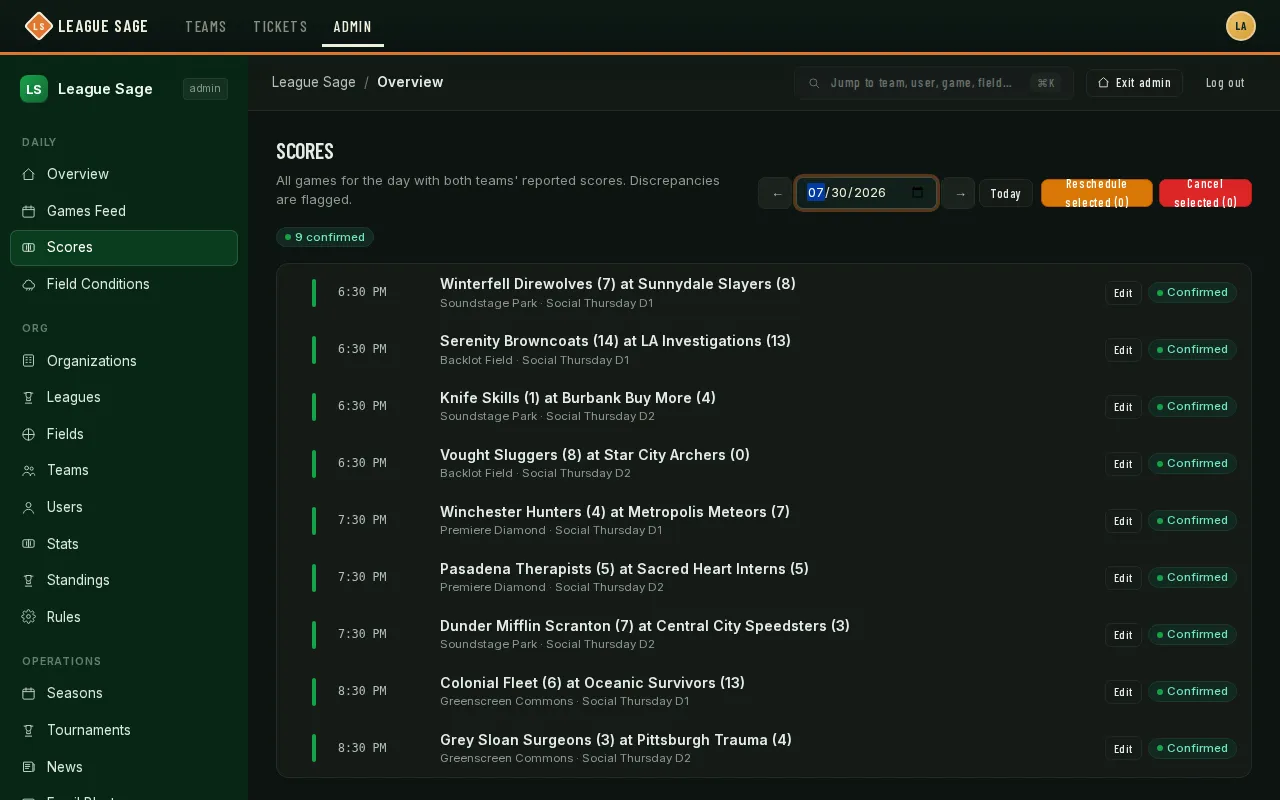
- Open Organization → Game day → Scores in the admin sidebar — it defaults to today and shows every game scheduled that day, with colored summary pills at a glance: how many are contested, one-sided, missing a score entirely, confirmed, or still upcoming. Use the ← / → arrows, the date picker, or Today to change days.
- Each game card shows both teams’ reported scores side by side. If they match, the game is already Confirmed and needs nothing from you.
- When a game is Contested (both sides reported, but the numbers disagree) or one-sided (only one team ever reported), click Edit on that card to open the inline score editor, enter the correct final score for both teams, and save — this force-confirms the game from both perspectives in one action and is recorded in the audit log.
- Need to pull games off the board instead? Check the boxes on one or more rows and use Reschedule selected or Cancel selected above the list — the same bulk actions available from Field Conditions for weather calls, usable here for any reason.
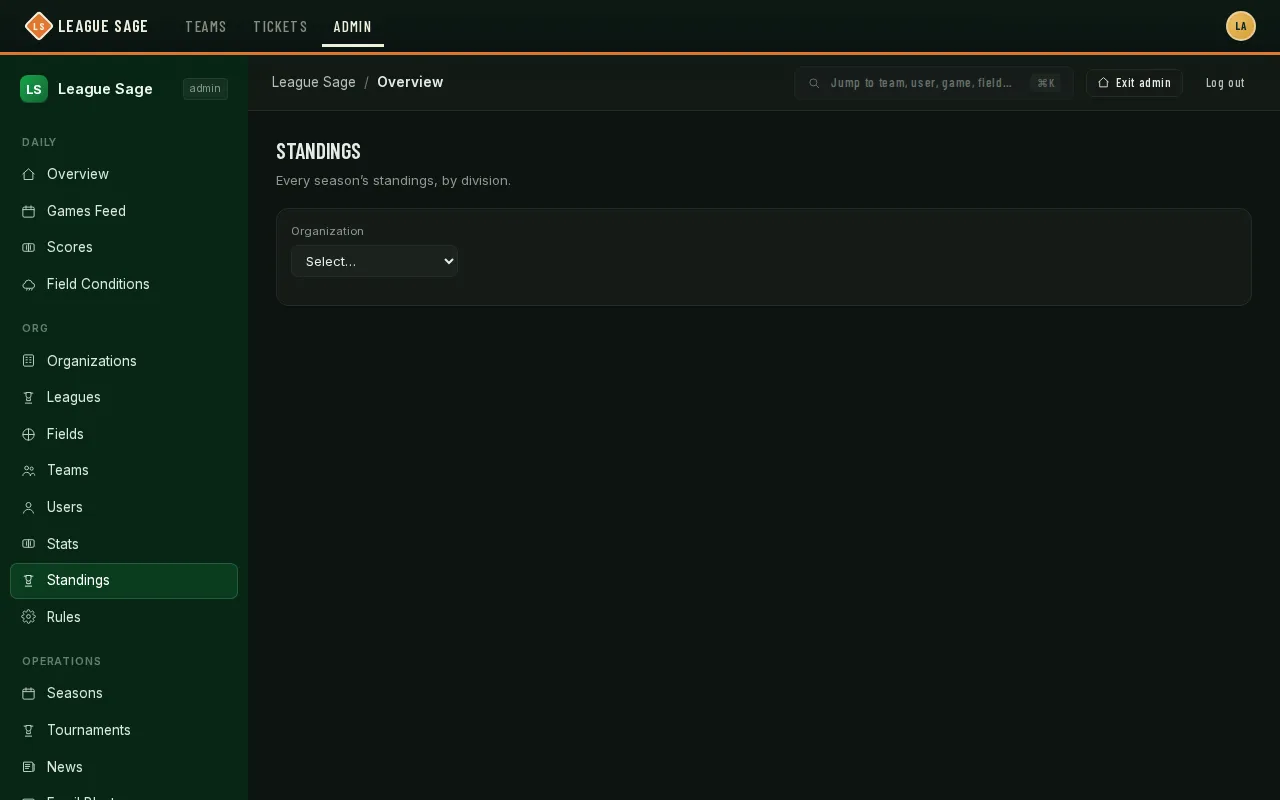
- For an org-wide view of standings rather than one game at a time, open Organization → Seasons → Standings — it lists every season and, within it, a table per division, using the exact same math and win/loss columns players see when they check their own team’s standings in the app.
Good to know
Section titled “Good to know”- Left on its own, a one-sided score doesn’t stay stuck forever: after about three days with no response from the other side, the system honors the reported score, force-confirms the game, and notifies the non-reporting team — who can still contest it with you if it’s wrong.
- Forfeits count as a normal win or loss in the standings, but contribute nothing to run/goal differential — a forfeit shows a “Forfeit” badge instead of a fabricated score.
- Contested games count toward games-played (so a team’s total isn’t quietly wrong) but stay out of the win/loss column until you reconcile them — nothing is silently dropped.
- Per-at-bat stats (and paper-book back-fill) stay editable even after a game is finalized — only re-finalizing an already-confirmed game is locked, and even that you can override.
- Once a division’s standings involve pickleball or volleyball, the same table swaps in head-to-head or per-set ranking automatically — there’s nothing separate to configure.