Signing in (password & Google)
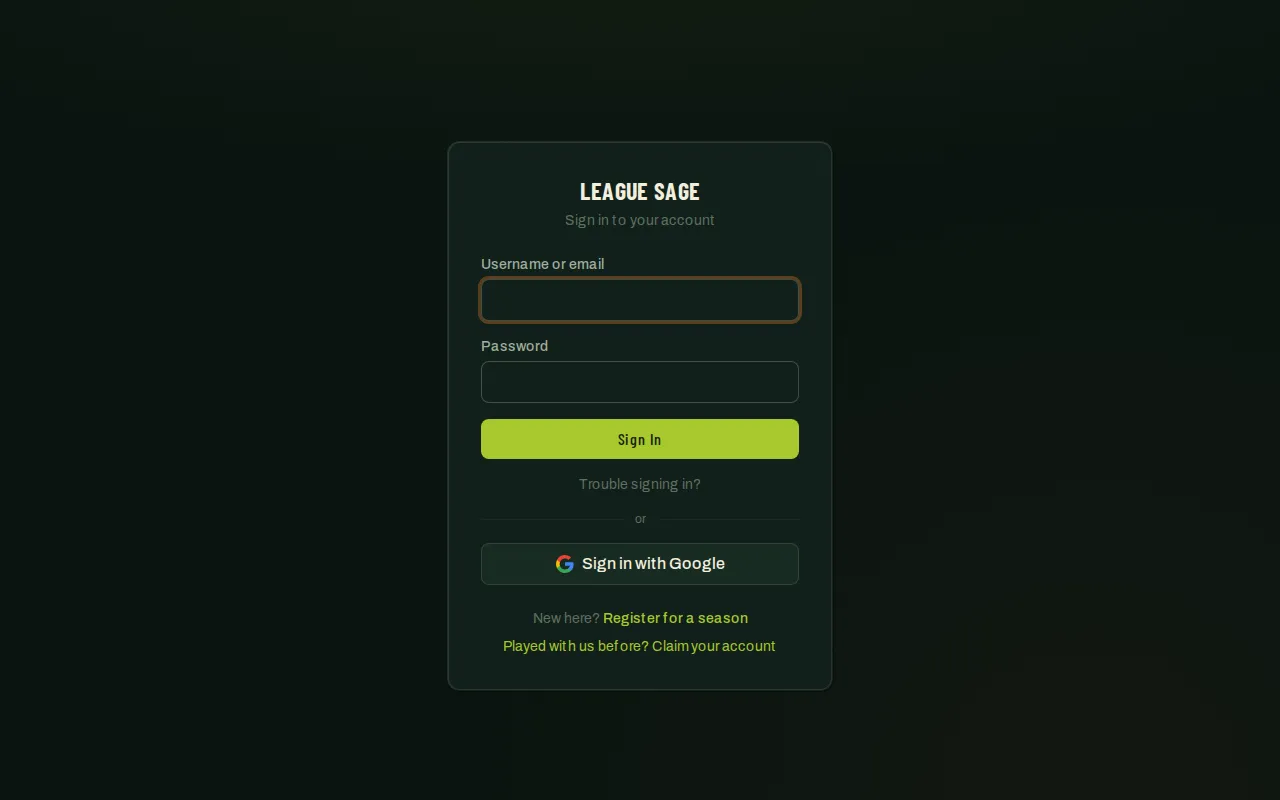
Once you have an account, signing back in takes seconds — with your username or email and a password, or with the Sign in with Google button on the same page.
Who can do this
Section titled “Who can do this”Anyone with an existing League Sage account.
- Go to the sign-in page.
- Enter your username or email and your password, then tap Sign In.
- Or tap Sign in with Google instead and continue with your Google account — no separate password to remember. In the iPhone app the same button opens Google’s own sign-in sheet rather than a web page; in the Android app it works exactly as in a browser. Some League Sage servers don’t have Google sign-in set up yet; in a browser or the Android app you’ll be sent back with a message that Google sign-in isn’t configured on this server right now, and in the iPhone app the button simply isn’t shown — use your password instead.
- Forgot your password? Tap Trouble signing in? on the sign-in page to get a reset link emailed to you.
Good to know
Section titled “Good to know”-
New to your league? Use the Register for a season link on the sign-in page rather than trying to sign in with a password you don’t have yet.
-
Played with this league before, on a different system? Use the Claim your account link instead of guessing at a password — see Claim an imported account.
-
Signing in with Google (in a browser or in either app) when no account matches your email creates one on the spot — you land ready to set up a team, and you can add a username and password from your profile whenever you like. League admins are the one exception: admin accounts can’t be claimed by email match, so they sign in with a password first, then link Google from their profile if they’d like the shortcut afterward. Coaches, captains, and officials sign in with Google like everyone else.
-
The Sign in with Google button is always there on the sign-in page in a browser — whether it actually works depends on whether the server you’re on has it set up. If it doesn’t, tapping the button just bounces you back with a note to use your password. In the iPhone app the button only appears when the server has app sign-in set up; when it’s missing there, sign in with Apple or your password. The Android app behaves like the browser.
-
Sign in with Apple is iPhone-only. Created your account with Apple and now signing in on Android or in a browser? Tap Trouble signing in? once to set a password — after that, either works.
-
The same Google and Apple buttons appear on the registration pages (player, team, event, tournament) as Continue with… — tapping one there signs you in, or creates your account if you’re new, and returns you to that registration.