Collect team dues
If your league tracks per-player dues in League Sage, a Team Dues card appears at the bottom of your Roster page listing exactly who owes what. It’s read-only for offline payments — you can see the balances, but recording that someone paid cash or a check is your league admin’s job, not yours.
Who can do this
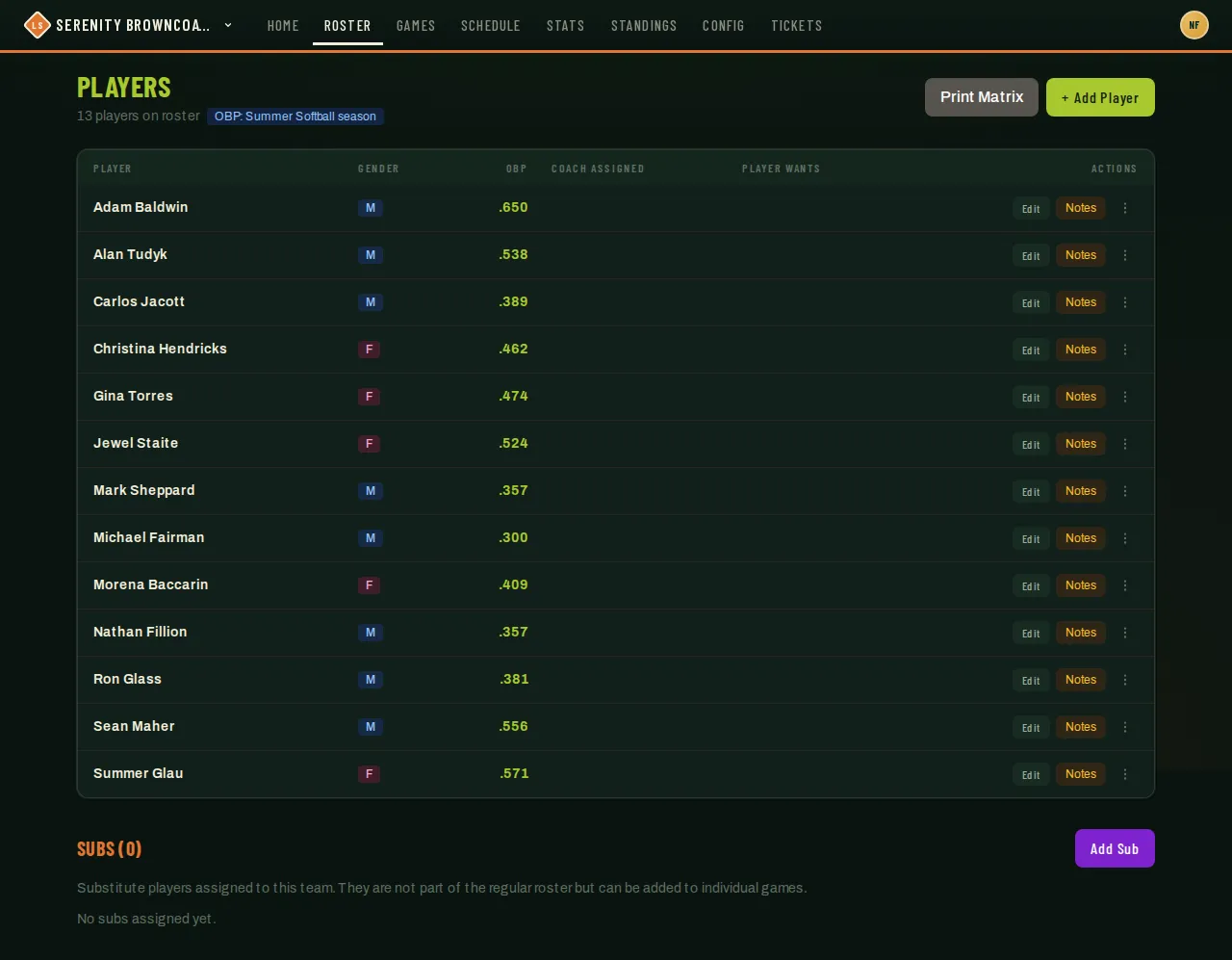
Section titled “Who can do this”Coaches and captains. The card only shows up once your league has recorded at least one balance for your team — it’s not visible at all otherwise, which is the state in the screenshot above (this demo team currently owes nothing).
- Scroll to the bottom of Roster. If your team has any recorded dues, you’ll see Team Dues: a per-season table of every player, what they owe, what they’ve paid, and a status.
- If your league has online payments turned on for that season, each outstanding row gets a checkbox and a Pay selected ($X) button appears — select one or more players and pay their combined balance in a single card charge.
- If online payments aren’t on, the table is still there for reference — you (or your players) coordinate payment however your league normally handles it, and your admin records it once received.
Roster progress during onboarding
Section titled “Roster progress during onboarding”When your season is in registration or scheduling mode, the pre-season Roster progress card on your dashboard shows a quick health check of your team. Next to each player, a Paid or Unpaid label (visible to coaches and captains only) shows if there are any recorded dues or fees — this tells you at a glance who’s settled their financial obligations to your season. Players who owe nothing show no label. Partial payments count as Unpaid until the full balance is cleared.
Good to know
Section titled “Good to know”- Starting a new payment closes older checkouts covering the same players, including checkouts opened by another captain or by the player. Checkouts for different players can stay open. If the balance changes while checkout starts, refresh and try again.
- If a second payment still arrives after dues were covered, you and your admins receive a review notice. The extra charge stays in payment history for a refund; it does not count twice toward the players’ dues.
- This view never lets you record an offline payment yourself — cash, check, and Venmo entries are entered by your league admin from the admin finance panel, on purpose, so there’s one place balances get marked paid.
- Each player’s Registration Fee and selected team upgrades are usually settled at registration time — see Register a team for a season — this card is mainly about ongoing per-player dues collected after the season starts.
- Some leagues also list an “Other ways to pay? Email…” contact for players who’d rather not pay online — that shows on the player-facing dues card, not here, but it’s worth knowing if a player asks you about it.
- If a player thinks their balance looks wrong, that’s a league-admin question — they own the ledger and any corrections or refunds.