Org news
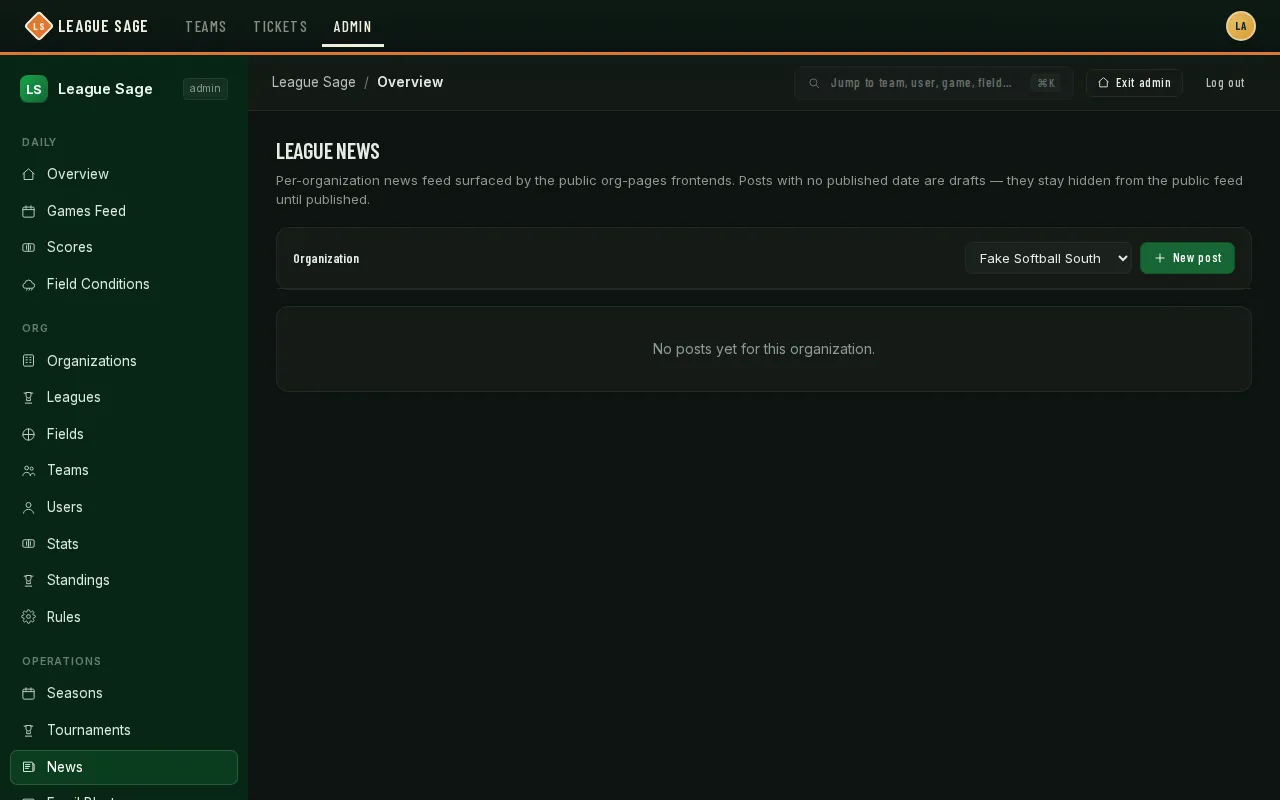
League News is your organization’s announcement feed — schedule changes, recaps, general notices. Published posts show on your organization’s public site (if you have one) and inside the app: every player on one of your org’s teams sees the latest post on their dashboard, with the full feed at /news. Posts start as drafts until you’re ready, and each one can be scoped to a single league or left visible to your whole organization.
Who can do this
Section titled “Who can do this”Site admins and organization admins. Site admins can post for any organization; organization admins are limited to their own.
- Open Organization → Communications → News in the admin sidebar (or click Open on the Organizations list, then the Communications tab). Site admins managing more than one organization pick it from the sidebar’s organization picker first.
- Click New post. Give it a Title, an optional short Tag (like “Schedule” or “Recap”), an optional League (leave it on “All leagues” to show it org-wide), and the post Body in markdown.
- Leave Publish now checked to make it live immediately, or uncheck it to save as a draft you can come back to.
- Click Create. The post appears in the table below with its publish status, tag, league scope, and author.
- Edit any post the same way, including flipping it between draft and published after the fact — publishing later doesn’t lose the original draft.
- Delete removes a post for good, with a confirmation first.
Good to know
Section titled “Good to know”- A draft (no published date) never reaches the public feed — only published posts are returned to your public site.
- Tagging a post with a specific league is a safety net too: the admin page won’t let you scope a post to a league from a different organization than the one you’re posting for.
- There’s no scheduling for news — “Publish now” is immediate, and a draft stays a draft until someone flips it.
- This demo organization happens to have no posts yet, which is why the table above is empty — it fills in exactly the same way once you create your first one.