Claim an imported account
If your league moved to League Sage from another system, your past stats, roster history, and profile may already be waiting for you under an account that has no password yet. Claiming it links that account to you so you can sign in — you don’t need to register as a brand-new player.
Who can do this
Section titled “Who can do this”Anyone whose email address matches an account your league imported from a previous system. If there’s no matching account, you’ll be told there’s nothing to claim — register as a new player instead.
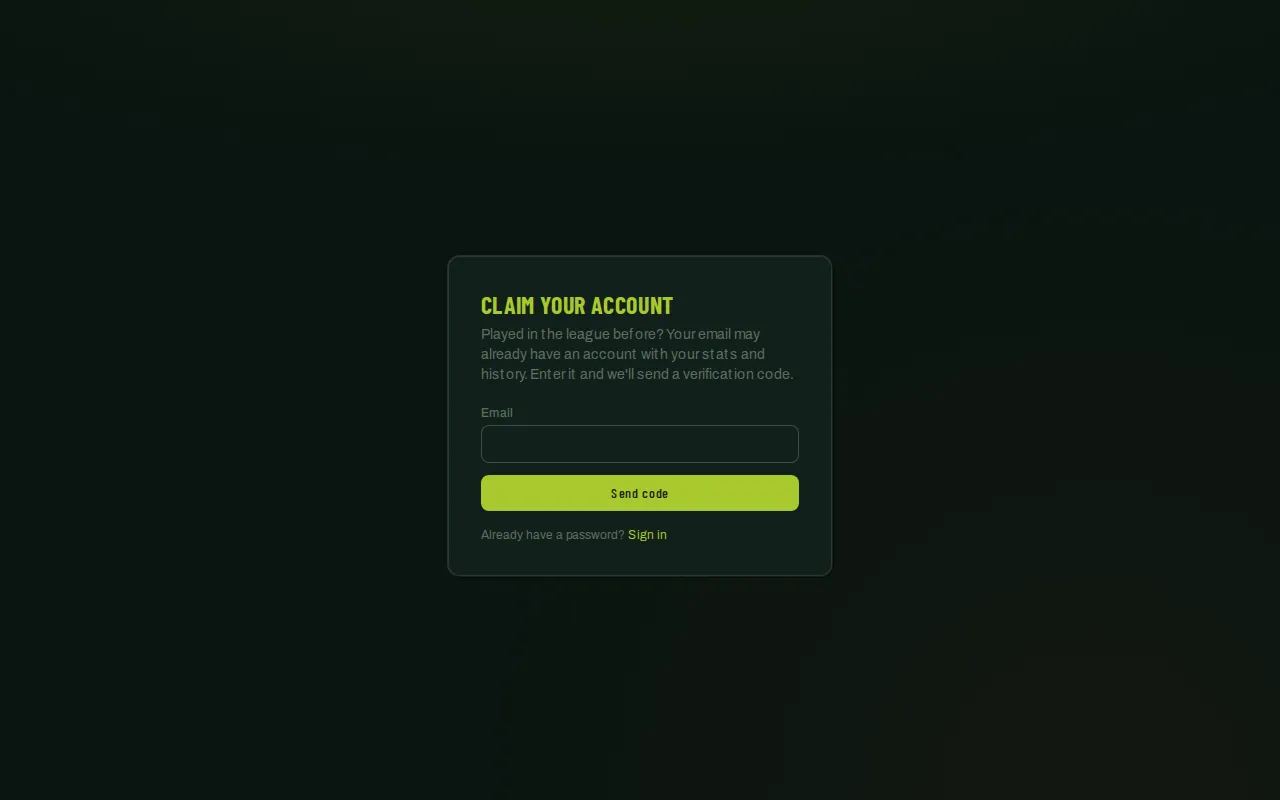
- Go to the claim page, or tap Played with us before? Claim your account on the sign-in page.
- Enter the email address your league has on file for you.
- Tap Send code. If a matching account exists, you’ll get an email with a 6-digit verification code. (The page responds the same way either way, so it never reveals whether an account exists for that email.)
- Enter the code from the email before it expires.
- Once verified, set a password for the account. You’re signed in right after.
Good to know
Section titled “Good to know”- The code expires after a short window and only allows a handful of attempts — if it stops accepting your code, go back and request a fresh one.
- Claiming doesn’t create a new account — it takes over your existing one, so your past games, stats, and team history stay attached to you.
- If claiming doesn’t find a match, you likely don’t have an imported account — use the regular registration flow instead.
Related
Section titled “Related”- Signing in
- Create your account
- Join your team
- Came from your league’s enrollment link? See Claiming your account.